
 Continue With Google
 continue with facebook




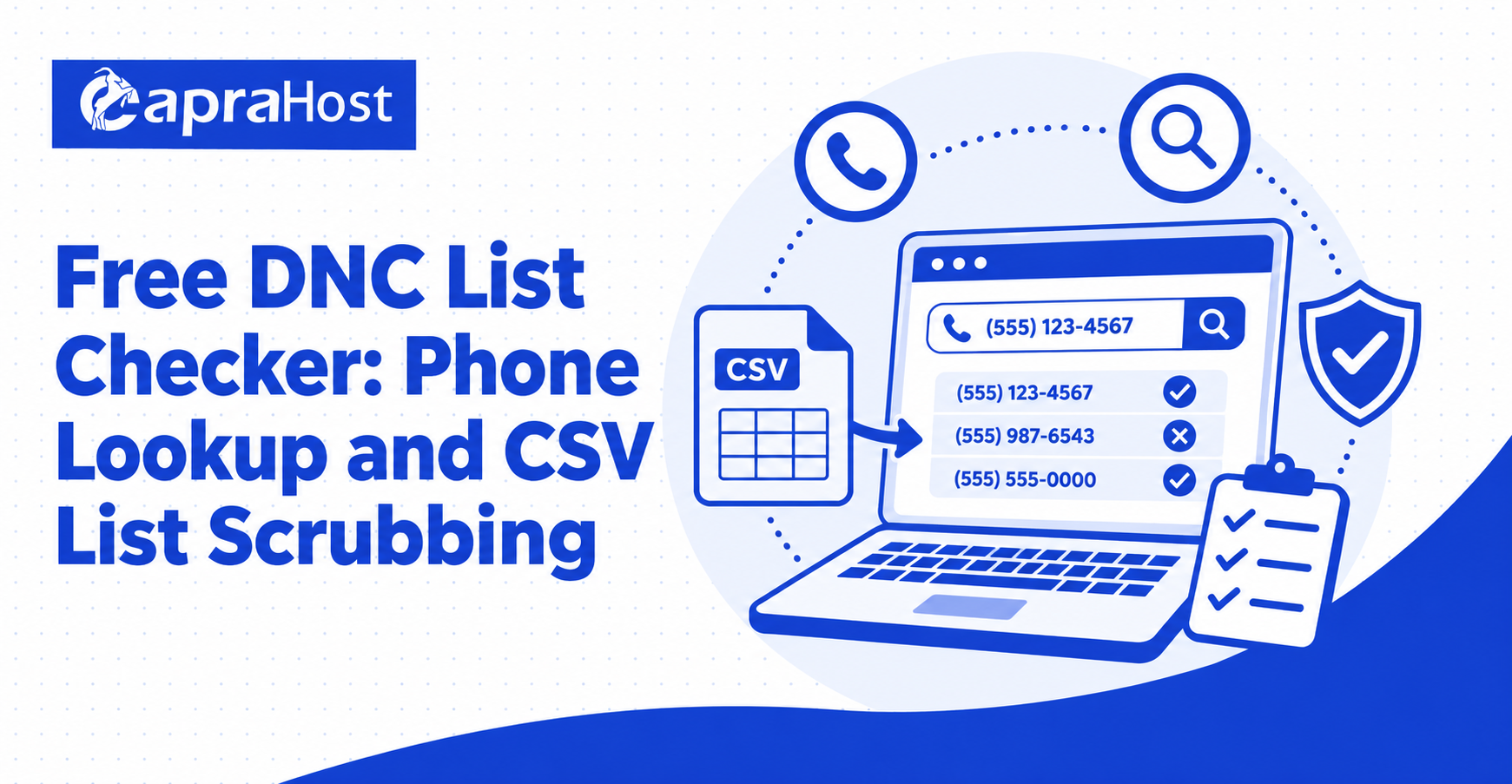
A free DNC list checker helps you compare phone numbers with a do-not-call dataset before using those numbers in an outreach campaign. You can check one number when reviewing an individual contact or upload a CSV or Excel file when you need to examine an entire list. The result can support a broader compliance process, but it should never be treated as legal approval to make a call.
The key is to understand what the tool checks, how current its dataset is, and what each result means. A match indicates that the number appears in the dataset used for the search. A non-match only means that the number was not found in that particular dataset at that time. It does not prove consent, confirm the identity of the number’s owner, or override federal, state, or company-specific calling restrictions.
Free DNC List Checker
A free DNC list checker is an online tool that searches for a phone number in an active do-not-call dataset. It can simplify the first stage of list review by replacing a manual number-by-number comparison with a quick lookup or bulk file-processing workflow.
The tool is useful for sales teams, contact centers, list managers, small businesses, and compliance staff who need to organize calling data. Its value is operational: it identifies possible DNC matches, adds a status to each supported record, and makes large lists easier to review. It is not a substitute for consent records, internal suppression lists, legal advice, or access to official registry data when such access is required.
Check a Single Phone Number
A single-number lookup is the simplest option when you need to review one contact. Enter the complete phone number, including the area code, and submit it for comparison. The checker then reports whether the number matches the dataset currently in use.
Before accepting the result, confirm that the number was entered correctly. A missing digit, an incorrect area code, or an unsupported extension can produce an invalid result or prevent a valid match. It is also good practice to record the date of the search and the dataset date displayed by the tool, especially when the lookup contributes to a business process.
Format the Phone Number Correctly
Use a complete 10-digit U.S. phone number whenever possible. Standard punctuation such as parentheses, spaces, and hyphens may be accepted, but a clean string of digits is less likely to create a formatting problem. If the number includes the U.S. country code, use the digit 1 before the area code.
Remove extensions before checking the number unless the tool specifically supports them. An extension identifies an internal destination after a call connects; it is not part of the core telephone number used for a DNC comparison.
Review the Dataset Date
The dataset date tells you which version of the data powers the lookup. A checker may use a periodically loaded dataset rather than a live connection to government records, so a recent registration or removal might not appear immediately.
A result is more useful when it is paired with the date of the underlying data. If no dataset date or update information is shown, treat the output with additional caution and verify the number through the appropriate official process.
Record the Lookup Result
Save the number, result, lookup date, dataset date, and the action taken after review. A consistent record can help a team understand why a contact was suppressed and can prevent the same number from being checked repeatedly without context.
Do not store more personal information than your process requires. Limit access to lookup records, protect downloaded files, and follow the privacy and retention policies that apply to your organization.
Scrub a CSV or Excel Contact List
Bulk DNC scrubbing compares many phone numbers in one workflow. Instead of entering each number manually, you upload a CSV, XLS, or XLSX file, choose the column containing the phone numbers, and process the list. The output normally adds a DNC status that can be filtered or reviewed in spreadsheet software.
Bulk processing saves time, but the accuracy of the output depends heavily on the quality of the input file. Blank cells, mixed data types, incomplete numbers, and multiple phone numbers in one cell can lead to skipped rows or invalid results.
Prepare the Spreadsheet Before Uploading
Place one phone number in each cell of a clearly labeled column, such as phone_number. Include the area code, remove extensions, and separate any cells that contain more than one number. If the file contains several worksheets, move the relevant data to the first sheet or export that sheet as a CSV.
Keep an untouched copy of the original file. The original provides a reference if the processed output contains fewer rows, changes formatting, or needs to be reconciled with a customer relationship management system.
Choose the Correct Phone Column
After uploading the file, select the column that contains the actual telephone numbers. Do not select a column containing contact IDs, account numbers, postal codes, or extensions. Numeric values can look similar in a preview, so verify the header and inspect several rows before starting the process.
If different phone types are stored in separate columns, such as mobile, home, and work, decide whether each column needs its own review. Combining fields without a clear plan can make it difficult to connect the returned status to the correct number.
Compare Input and Output Counts
Count the rows in the original file and compare that total with the processed output. A smaller output can indicate blank phone fields, unsupported formats, failed normalization, or selection of the wrong column. Do not assume that every original contact was checked simply because processing completed.
Create a separate exception list for skipped or invalid rows. Those records should be corrected and reviewed again rather than silently treated as non-matches.
Protect Uploaded Contact Data
A contact list may contain personal or commercially sensitive information. Before uploading it, review the service’s privacy policy, retention period, deletion process, access controls, and security information. Remove columns that are not needed for the number comparison.
For example, a DNC check generally does not require names, email addresses, street addresses, purchase histories, or account notes. Uploading only the phone-number column and a non-sensitive internal reference can reduce unnecessary exposure.
How the Free DNC Checker Works
A DNC checker first standardizes each accepted phone number into a comparable format. It then searches for that normalized number in the active dataset and returns a status based on whether a match is found. In a bulk workflow, the status is attached to the corresponding row and included in a downloadable file.
This process answers a limited question: does the submitted number appear in the dataset being searched? It does not determine who currently owns the number, whether the person supplied consent, or whether a specific call is lawful.
Number Normalization Improves Matching
Phone numbers can appear as (212) 555-0100, 212-555-0100, or 12125550100. Normalization removes common punctuation and, where supported, handles the leading U.S. country code so equivalent numbers can be compared consistently.
Normalization cannot repair every input problem. Missing area codes, transposed digits, text in the phone field, and several numbers stored in one cell may still produce invalid or skipped records.
Dataset Matching Produces a Limited Result
Once normalized, the number is compared with the checker’s active dataset. A match means the same normalized number was found. A non-match means it was not found in that version of the data.
The result should always be interpreted within those boundaries. It is not a reverse phone lookup and does not reveal a person’s name, address, carrier, or current ownership of the number.
Bulk Output Adds a Reviewable Status
For a spreadsheet, the processed file should preserve an identifier from the original row and add a status such as match, non-match, invalid, or skipped. Keeping these outcomes distinct makes it easier to filter the list and investigate exceptions.
A responsible workflow does not automatically convert every non-match into a callable record. It sends the result into further checks for consent, internal opt-outs, state restrictions, time-zone limits, and campaign-specific requirements.
What Your DNC Check Result Means
Every result needs context. A match, non-match, or error describes the outcome of a dataset comparison; it does not provide a complete compliance decision. Teams should define how each status will be handled before they begin checking numbers.
| Result | Practical meaning | Recommended action |
| Match | The number appears in the active dataset. | Suppress the number and review any applicable exception only through an approved compliance process. |
| Non-match | The number does not appear in the active dataset. | Continue with consent, internal suppression, state-law, and campaign checks. |
| Invalid | The submitted value could not be treated as a supported phone number. | Correct the value and run the check again. |
| Skipped | The row was not processed, often because the field was blank or unsupported. | Investigate the row; do not classify it as a non-match. |
| Error | The lookup or file process did not complete successfully. | Retry or use an approved alternative; do not infer a result. |
What Does a DNC Match Mean?
A DNC match means the phone number was found in the active do-not-call dataset. The safest operational response is to suppress the number from the relevant calling workflow unless a qualified review establishes that a specific exception applies.
Even when an organization believes it has an exception, it should still check its own entity-specific do-not-call records. A person’s direct request not to receive further calls requires separate attention and should not be ignored merely because another type of relationship exists.
Does a Non-Match Mean I Can Call the Number?
No. A non-match is not permission to call. The person may have opted out directly with the organization, the number may be subject to state-level rules, the dataset may not reflect a recent change, or the planned call may require consent under another law or regulation.
Treat a non-match as one completed check in a larger process. It should never replace documented consent or a review of the rules that apply to the planned campaign.
What Does an Invalid or Skipped Result Mean?
An invalid or skipped result means no reliable comparison was completed for that record. Common causes include a missing area code, a blank cell, an extension, letters in the number field, or multiple numbers in one cell.
Move these records to an exception queue, correct the input where possible, and check them again. Classifying unresolved records as callable creates an avoidable gap in the review process.
DNC Checks and Telemarketing Compliance
DNC screening is only one part of responsible telemarketing compliance. Depending on the organization, campaign, call technology, location, and relationship with the recipient, additional federal and state requirements may apply.
The Federal Trade Commission’s Telemarketing Sales Rule guidance explains obligations involving the National Do Not Call Registry, entity-specific requests, calling procedures, recordkeeping, and other telemarketing practices. Because requirements and penalty amounts can change, use current official guidance and qualified legal advice for decisions about a real campaign.
Maintain an Entity-Specific Do-Not-Call List
An organization should keep its own suppression list for people who have directly asked not to receive further calls. This internal record serves a different purpose from a national registry comparison and needs to be applied across relevant teams, vendors, and campaigns.
Make the opt-out process simple, record requests accurately, and ensure that future list imports do not overwrite suppression data. Staff and service providers should receive clear instructions on how to capture and honor these requests.
Verify Consent and Campaign Requirements
Consent standards can vary based on the type of call and the technology used to place it. A manually dialed live call, a prerecorded message, and an automated campaign may not be treated the same way. The purpose of the call and the recipient’s location can also affect the analysis.
Keep consent records that show what the person agreed to, when they agreed, how the agreement was captured, and which organization was authorized to call. If those facts are unclear, pause the contact rather than relying on a DNC non-match.
Apply Current Data and Documented Procedures
Calling lists should be checked on the schedule required by the rules that apply to the organization. The FTC’s business guidance states that covered sellers and telemarketers must update their lists against the National Registry at least every 31 days. A team may choose more frequent checks when operational risk or internal policy calls for them.
Document the sources, dates, procedures, training, suppression logic, and exception handling used in the review. Good records make it easier to identify process failures and demonstrate that screening was treated as an ongoing responsibility.
Review Federal and State Rules
Federal requirements do not necessarily replace state telemarketing rules. States may impose additional registration, disclosure, consent, calling-time, or do-not-call obligations. The location of the caller and recipient, as well as the nature of the campaign, may matter.
Use the appropriate regulator’s current materials and obtain professional advice when applying the law to specific facts. A general-purpose checker cannot evaluate all of these variables.
Free DNC List Checker FAQs
The following answers cover common questions about phone lookups and bulk list scrubbing. They are practical explanations of how a checker is typically used, not legal conclusions about a particular call or campaign.
Is a DNC Checker the Same as a Reverse Phone Lookup?
No. A DNC checker looks for a number in a do-not-call dataset. A reverse phone lookup attempts to find identifying or descriptive information associated with a telephone number. A DNC result should not be used to infer the number owner’s name, location, or identity.
Which Spreadsheet Formats Are Supported?
Bulk tools commonly support CSV, XLS, and XLSX files, but exact limits vary. Confirm accepted formats, maximum file size, row limits, worksheet behavior, and required headers before uploading. Exporting the relevant worksheet as a clean CSV can resolve many compatibility problems.
How Often Should a Contact List Be Checked?
The correct schedule depends on the rules that apply and the organization’s approved compliance process. FTC guidance for covered sellers and telemarketers describes updating calling lists against the National Registry at least every 31 days. Lists may also need to be rechecked when data changes, a new campaign starts, or internal opt-out records are updated.
Is a Free Checker the Official National Registry?
Not necessarily. An independent checker may compare numbers with a dataset loaded into its own system instead of querying government records live. Consumers who want to register or verify their own number should use the official National Do Not Call Registry.
Businesses should follow the official access and subscription process applicable to sellers and telemarketers. A third-party result does not remove any duty to use official registry data when the law requires it.
Can I Upload a File Containing Names and Addresses?
Only upload fields necessary for the check. In most cases, the phone number and a non-sensitive row identifier are enough. Removing names, addresses, emails, account details, and notes reduces privacy risk and makes the file easier to inspect.
Always review the service’s privacy and retention terms first. If organizational policy prohibits placing contact data in an external system, use an approved internal or contracted solution instead.
Why Does the Processed File Have Fewer Rows?
Rows may be omitted when the selected phone field is blank, malformed, unsupported, or unable to be normalized. The wrong column may also have been selected. Compare the original and processed row counts, preserve unique row identifiers, and investigate every missing record.
Do not interpret a missing row as a non-match. It represents an unresolved record until a successful comparison is completed.
Can a DNC Result Confirm Consent?
No. DNC status and consent are separate facts. A number can be absent from a DNC dataset while the individual has never agreed to receive the planned call. A number can also appear in a dataset even though an organization believes it has a relationship or permission that requires separate legal review.
Maintain consent evidence independently and evaluate it under the requirements that apply to the specific call type and campaign.
Conclusion
A free DNC list checker can make phone-number review faster, whether you are checking one contact or scrubbing a CSV or Excel list. The best results come from clean input data, a clearly dated dataset, careful handling of invalid rows, and a documented process for interpreting every status.
Most importantly, a DNC check is a screening step rather than permission to call. Combine it with current official data where required, internal do-not-call records, documented consent, privacy safeguards, and a review of applicable federal and state rules. That broader process turns a simple lookup into a more responsible and reliable contact-list workflow.