 Continue With Google
 continue with facebook




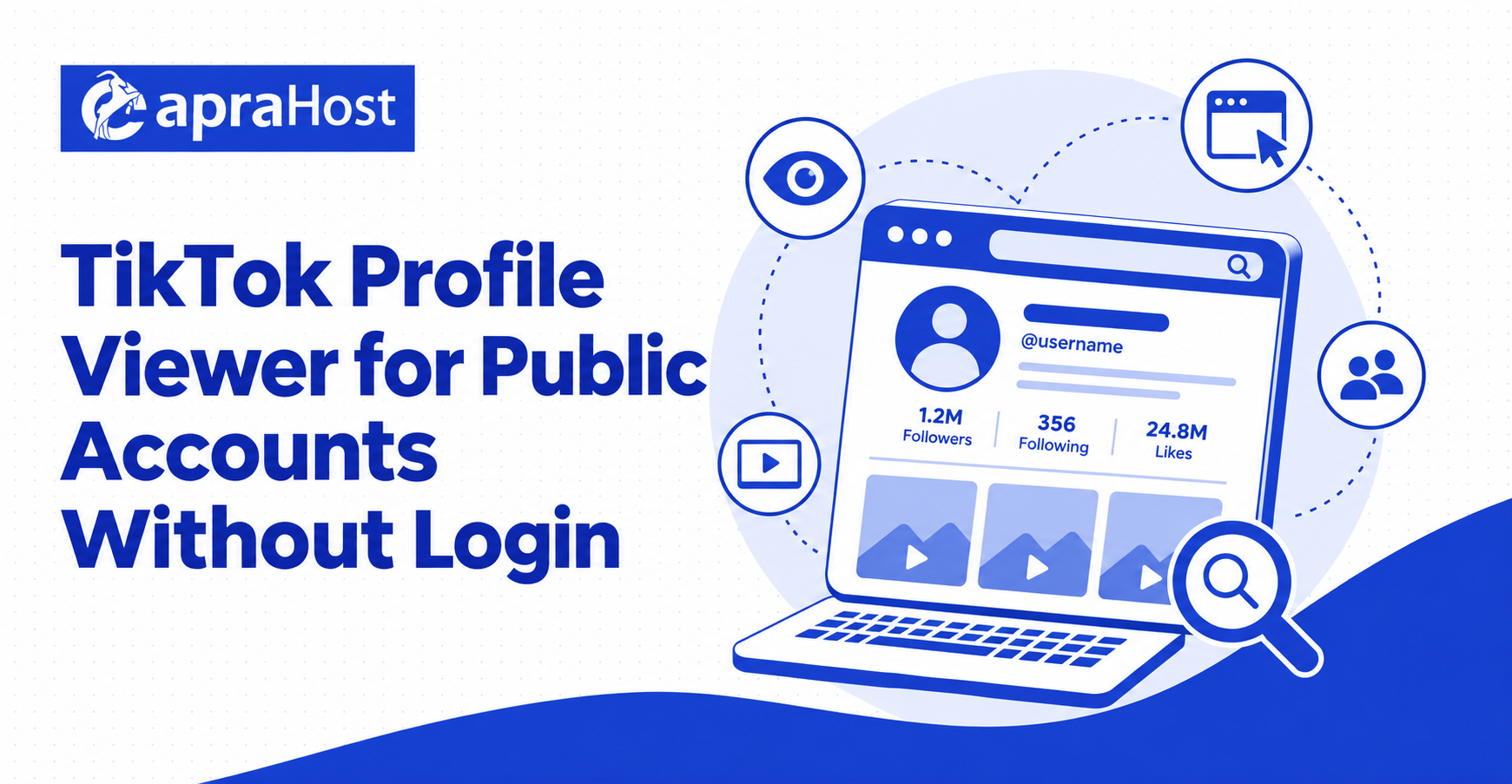
A TikTok profile viewer provides a simple way to review information that a creator or account owner has made publicly available. Depending on the profile and the tool, this information may include the display name, username, profile image, biography, follower count, following count, total likes, and public videos. A viewer can be useful when you want to check a public account from a browser without navigating through several screens.
Public profile viewing has important limits. A responsible tool should not claim to reveal private videos, drafts, direct messages, saved posts, hidden follower lists, precise locations, passwords, or other protected information. Privacy settings must be respected, and any displayed details should come only from legitimate public sources.
TikTok Profile Viewer
Viewing a public profile without logging in can make basic research more convenient. A user may want to confirm a creator’s username, read a public bio, compare visible audience figures, or review recent public posts. This can be helpful for viewers, creators, researchers, and marketers who need a quick overview rather than access to an account.
A public profile viewer usually requires a username or a complete profile URL. It then presents the public fields it can retrieve at that moment. Results can vary because account owners may change their privacy settings, remove posts, update their usernames, or limit information by region or age.
Using a viewer without signing in does not mean that all activity is automatically anonymous or unrecorded. The viewer may process requests on its own servers, retain technical logs, use analytics, or cache profile results. Users should review its privacy policy before assuming that no data is collected.
When a Public Profile Viewer Is Useful
A profile viewer is useful when the goal is to inspect information already available to the public. For example, a viewer can help confirm that a username belongs to the expected person, check whether an account is verified, review an account’s visible follower count, or open its latest public videos.
It can also support basic creator research. A marketer may compare public posting activity before contacting a creator, while a researcher may record publicly visible statistics at a specific point in time. These figures should be treated as snapshots rather than permanent or independently verified facts.
What a Public Profile Viewer Cannot Do
A legitimate public viewer cannot override an account owner’s privacy choices. If an account is private, the tool may be able to show only the limited profile shell that remains public, such as a username, avatar, or bio. It should not expose private posts, approved followers, drafts, messages, or other restricted material.
The viewer also cannot guarantee that every number is current or complete. Platform changes, caching, rate limits, regional restrictions, and temporary service errors can all affect results. Missing information should be labeled as unavailable instead of being presented as zero.
How to Use the TikTok Profile Viewer
Using a profile viewer generally involves entering a public username or profile link and reviewing the returned information. The process should not require a password, verification code, session cookie, or access to an unrelated social account. Leave the page if it requests sensitive credentials that are unnecessary for a public lookup.
Enter a TikTok Username or Profile URL
Start with the account’s exact username or its complete public profile URL. Usernames can contain letters, numbers, underscores, and periods, so check the spelling carefully. Similar display names do not always belong to the same account, and a small typing error may return an unrelated profile.
If a username does not work, copy the public profile link from a browser or the app’s sharing menu. A complete URL can reduce ambiguity because it contains the account handle in a recognizable format. Remove accidental spaces before submitting the lookup.
Never enter a password or two-factor authentication code into a public profile search field. A username or profile address should be enough for a basic public lookup. Requests for login credentials, browser cookies, recovery codes, or payment information are warning signs.
Review the Available Public Profile Details
After submitting the username or URL, review the returned profile card. Confirm the display name, username, avatar, biography, and verification status before assuming the result belongs to the intended account. The profile image and display name alone may not be sufficient because different accounts can use similar identities.
Look for labels explaining when the data was retrieved. A “last checked” time helps distinguish a current lookup from an older cached result. If the profile has recently changed its username or privacy settings, the information may take time to update.
Treat follower, following, like, and video counts as platform-reported public figures. Rounded numbers may not show the exact total, and rapidly growing accounts can change between checks. A viewer should avoid presenting estimated numbers as precise measurements.
Open the Original Profile for Confirmation
Use a link to the original public profile to confirm important details. This step helps verify that the username, biography, follower count, and recent posts match the viewer’s result. It also provides context that may be missing from a summary page.
For research or business decisions, record the date and source of the information. Public statistics change frequently, so an undated screenshot or copied number may become misleading. When accuracy matters, compare the viewer’s output with the original profile and other authorized analytics sources.
What Public TikTok Information Can Be Viewed?
The exact fields available depend on the account, its privacy settings, the user’s region, and the viewer’s data source. Most responsible tools focus on basic profile information and public engagement figures. They should clearly distinguish retrieved data from estimates or unavailable values.
Profile Name, Username, Bio, and Avatar
The display name is the name an account owner chooses to show on the profile, while the username is the unique handle used in the profile address. A biography may describe the creator, business, interests, location at a broad self-disclosed level, or links the owner has chosen to publish.
The avatar is the public profile image associated with the account. These details help identify a profile, but they do not prove the account owner’s real-world identity. Impersonators can copy names, images, and biographies, so verification badges and official links should also be checked when authenticity matters.
Public bios can contain personal details voluntarily shared by the owner. Their visibility does not grant permission to misuse, harass, profile, or republish that information out of context. Use profile details only for a legitimate and respectful purpose.
Public Follower, Following, and Like Counts
Follower count shows the visible size of an account’s audience, while the following count shows how many accounts it follows when that number is public. Total likes generally represent the visible cumulative likes associated with the account’s public content, subject to how the platform calculates and displays the figure.
These numbers can provide a basic overview, but they do not measure audience quality, business value, or authenticity by themselves. A large follower count does not guarantee strong engagement, and a smaller account may have a highly active community. Counts can also be rounded, delayed, or unavailable.
For meaningful evaluation, compare several public indicators over time. Posting consistency, median views, comment quality, content relevance, and audience fit may offer more context than a single headline number. Avoid drawing conclusions about a person from limited metrics.
Public Videos and Engagement Details
A viewer may list recent videos that the account has made public. Available fields can include the cover image, caption, publication date, view count, likes, comments, and shares. The amount of content displayed may be limited by pagination, rate limits, or the viewer’s design.
Engagement figures are snapshots and can increase after a lookup. They can also be hidden, removed, or affected by platform moderation. A result should identify unavailable values honestly and should not replace missing data with invented estimates.
Public visibility does not remove copyright. Videos, captions, music, graphics, and photographs remain subject to their owners’ rights. A profile viewer should link to original content rather than encouraging unauthorized copying or redistribution.
Verification Status and Public Links
Some profiles display a verification badge or public links selected by the account owner. Verification can help distinguish a notable account from an imitator, but users should confirm the badge on the original profile rather than relying solely on a third-party display.
Links in a bio may lead to external websites, shops, or social accounts. Open unfamiliar links cautiously, especially when they request payment or personal data. A profile viewer cannot guarantee the safety or authenticity of every external destination listed by an account.
Why Some TikTok Profile Information Is Unavailable
Missing information does not always indicate an error. The account may be private, deleted, renamed, restricted, or temporarily unavailable. The platform may also limit requests, change its page structure, or display different fields to users in different locations.
A well-designed viewer should explain the reason when it is known. When the cause cannot be confirmed, it should say that the information is unavailable instead of making a definite claim.
Private, Deleted, or Restricted Accounts
A private account limits its posts to approved followers. A public viewer should respect that boundary and display only the small amount of profile information available publicly. It cannot legitimately unlock private posts or reveal hidden engagement details.
Deleted and suspended accounts may no longer return a profile at all. A renamed account can also make an older username appear missing. Search for the current public handle through a trusted source before deciding that an account has been removed.
Age restrictions, regional rules, and local availability can affect what a visitor sees. A result available in one location may not appear in another. Do not use a viewer to bypass lawful access restrictions or an account owner’s privacy controls.
Missing Data and Delayed Updates
Profile information can change faster than a viewer refreshes its cache. A creator may update a bio, post a video, gain followers, or switch privacy settings while an older result is still stored. A clear retrieval timestamp helps users understand this delay.
Technical limitations can also produce partial results. The platform may return some fields while withholding others, or a temporary connection problem may interrupt a request. The viewer should preserve distinctions among zero, unavailable, private, and not yet retrieved.
If an important field appears incorrect, reopen the original profile and try the lookup later. Repeatedly submitting requests may trigger rate limits without improving the result.
Invalid Usernames and Changed Profile Addresses
An invalid or misspelled username will not match the intended account. Check for extra spaces, missing punctuation, and confusion between similar characters. Copying the profile URL directly is often more reliable than typing the handle manually.
When an owner changes a username, an old profile link may stop working or eventually lead to a different result. Do not assume that an account using a previously known handle belongs to the same person. Confirm identity through current official links and content.
Rate Limits and Temporary Service Errors
Platforms and profile tools may limit how many requests can be made within a period. These controls protect service stability and reduce automated abuse. A rate-limit message usually means the user should wait before trying again.
Temporary errors can also occur during maintenance or platform updates. Refreshing continuously may make the problem worse. Check the original public profile, wait for the stated interval, and retry later without attempting to defeat the restriction.
Privacy, Accuracy, and Responsible Use
A public profile lookup should balance convenience with privacy, accuracy, and respect for account owners. The fact that information is public does not make every use appropriate. Users should avoid harassment, surveillance, discrimination, impersonation, and unwanted aggregation of personal details.
The tool itself should collect as little query data as necessary. Its privacy policy should explain what is logged, why it is processed, whether results are cached, which service providers receive data, and how long records are retained.
Respect Account Privacy Settings
Privacy settings express the account owner’s choices about who may view their content. A responsible viewer honors those choices and does not advertise ways to bypass them. Private posts, direct messages, drafts, saved videos, and restricted follower information should remain inaccessible.
Be cautious of services promising to unlock private accounts. Such claims may be deceptive, may expose users to malware or credential theft, and can encourage privacy violations. Use only tools that describe their public-data limits honestly.
Verify Important Information
Third-party results can be delayed, incomplete, or incorrect. Verify important facts on the original profile and use additional authorized sources when making business, legal, employment, or safety-related decisions. A public profile summary should not be treated as proof of identity or conduct.
Do not interpret missing fields as evidence that a person is hiding something. Technical errors and privacy settings are common. When the source does not provide a value, “unavailable” is the most accurate description.
Protect Personal and Account Information
A public viewer should not need a platform password, login cookie, recovery phrase, two-factor code, or access to contacts and messages. Never provide these details to a lookup service. If a page requests them, close it and review the security of the affected account.
Avoid downloading unknown applications or browser extensions to complete a lookup. Keep the browser and security software updated, inspect download types, and decline unnecessary notification permissions. A basic public profile search should work without invasive device access.
Use Public Data Responsibly
Use profile information for legitimate purposes such as finding a creator, reviewing public content, or performing transparent research. Do not use it to threaten, stalk, shame, discriminate against, or deceive another person.
If publishing research based on public profiles, minimize unnecessary personal data and explain the collection method. Consider whether quoting a username or embedding a profile is essential. Ethical use often requires more restraint than technical availability alone.
TikTok Profile Viewer FAQs
The following answers address common questions about public profile viewing, privacy, accuracy, and access. Capabilities vary among services, so users should compare these general principles with the tool’s current documentation and privacy policy.
Can I View a Public TikTok Profile Without an Account?
Some public profile information may be accessible without signing in, either through a standard browser or a public profile viewer. Availability depends on the account, location, platform behavior, and current access rules. A viewer cannot guarantee that every profile or field will load.
If a service requests login credentials for a basic public lookup, review the request carefully. A username or public URL should normally be sufficient to search for public information.
Can a Viewer Show Private TikTok Videos?
No responsible public profile viewer should claim to expose videos restricted by a private account. Private content is intended for approved followers and should remain protected. A viewer may display limited public profile details, but it should not bypass access controls.
Avoid any service that promises hidden videos, drafts, messages, or locked follower lists. Such claims may be false or designed to obtain credentials, payments, downloads, or personal data.
Will Someone Know That I Viewed Their Profile?
This depends on how the viewer processes the request and on the platform’s current features. A third-party viewer may retrieve public information through its own systems, but users should not assume guaranteed anonymity without clear technical and privacy documentation.
The viewer may also keep server logs or analytics even when it does not require a platform login. Read its privacy policy to understand what information is collected and retained.
Are Follower and Like Counts Accurate?
Counts can reflect the public values available when the profile was retrieved, but they may be rounded, cached, delayed, or missing. Fast-growing accounts can change significantly between checks.
Use a timestamped result and confirm important figures on the original profile. For owned accounts, first-party analytics generally provide more detailed and reliable information than a public viewer.
Why Does a Profile Show as Unavailable?
The username may be misspelled, changed, deleted, suspended, private, restricted by region or age, or temporarily unreachable. The viewer may also be experiencing a connection error or rate limit.
Check the exact username and open the original public link. If the account exists but the viewer still fails, wait before trying again. Do not attempt to bypass privacy controls or technical restrictions.
Is a TikTok Profile Viewer Safe to Use?
Safety depends on the specific service. Look for HTTPS, a clear privacy policy, honest descriptions of public-data limits, accessible contact information, and an option to request correction or removal. Avoid services that demand passwords, unexpected payments, software installations, or excessive permissions.
No trust signal guarantees complete safety. Use a current browser, decline unnecessary permissions, and leave the page if its behavior does not match its stated purpose.
Can Public Profile Information Be Downloaded or Reused?
Public availability does not automatically grant permission to download, republish, sell, or redistribute profile content. Videos, images, captions, music, and branding may be protected by copyright, trademark, privacy, publicity, or contractual rights.
Link to the original content when possible and obtain permission before reusing material. Follow applicable laws, platform terms, and the account owner’s stated licensing conditions.
How Often Should Profile Information Be Refreshed?
Refresh frequency should match the purpose of the lookup and respect rate limits. A casual check may not require repeated requests, while time-sensitive research should record the exact retrieval time and confirm changes through authorized sources.
Avoid continuous automated monitoring without a legitimate basis and proper permission. Excessive requests can create inaccurate conclusions, burden services, and violate applicable terms.
Conclusion
A TikTok profile viewer can make it easier to review public account information without navigating through multiple screens or signing in. Enter the exact username or public profile URL, confirm the identity of the result, check retrieval timestamps, and verify important details on the original profile.
The most trustworthy approach is also the simplest: view only information the account owner has made public, treat statistics as changing snapshots, and respect privacy settings. Never provide passwords or authentication codes to a lookup tool, and avoid services that promise access to private videos, drafts, messages, or other protected data. Responsible use protects both the viewer and the people whose public profiles are being reviewed.